Import from Dictation
Published: 2026-07-18 · Last updated: 2026-07-18
You can create a recipe by dictating it directly in the App.
To import a recipe:
- Open the Cookan AI app.
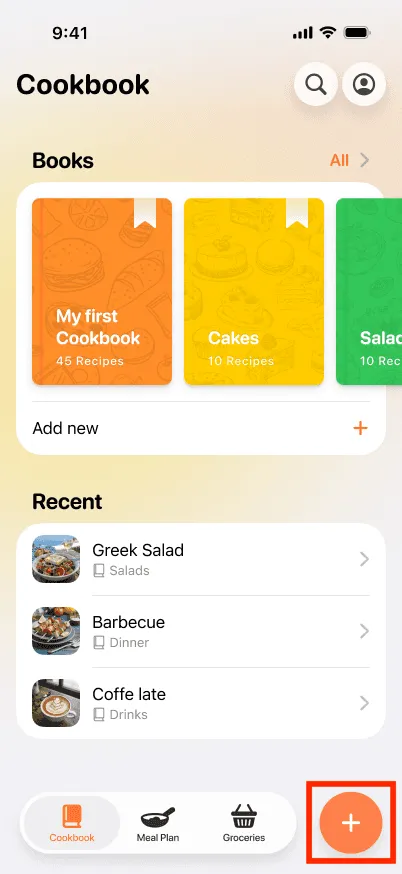
- Tap on the + button at the bottom right.
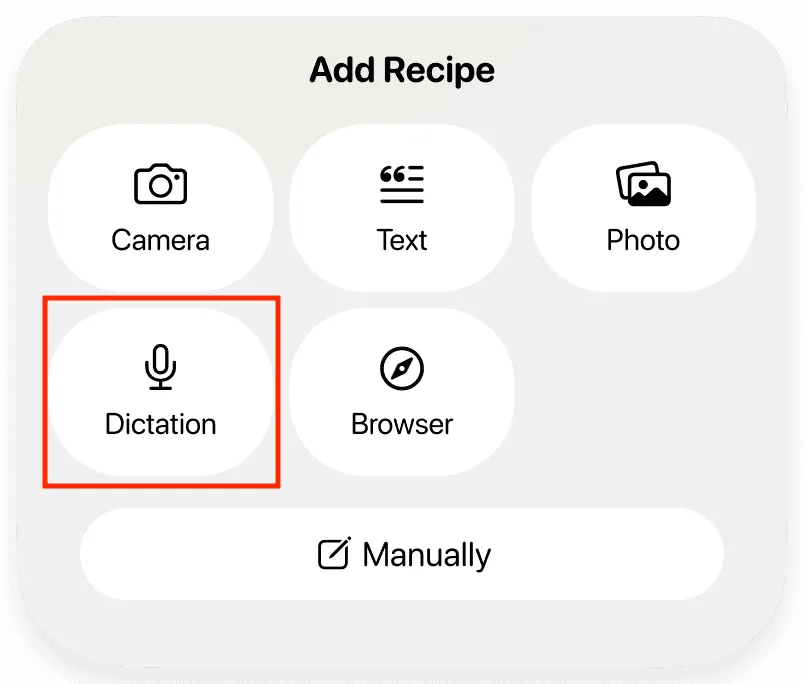
- Select the Dictation option.
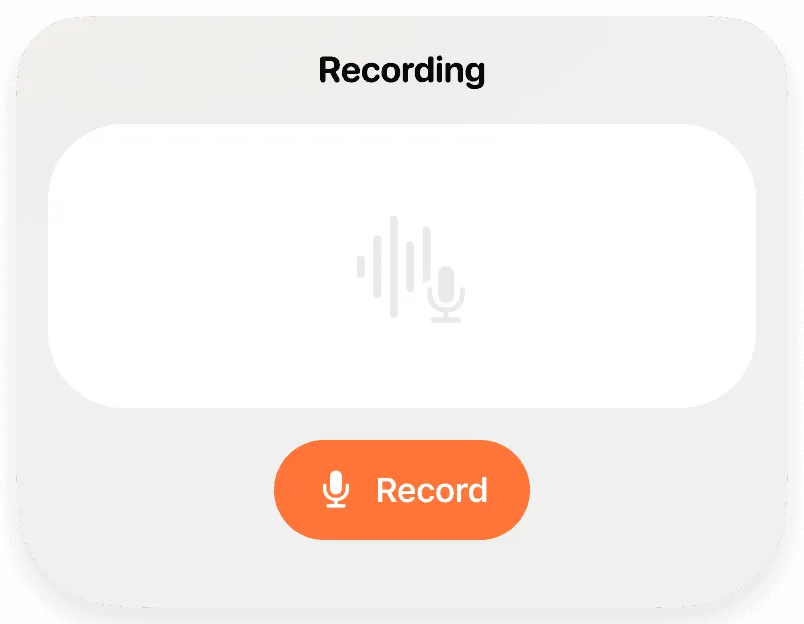
- Tap the Record button to start recording.
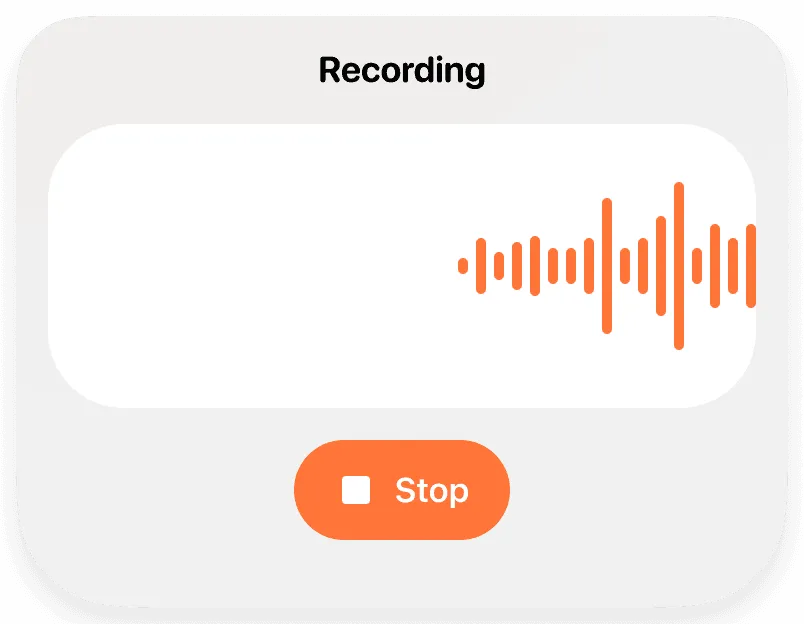
- Speak clearly to describe the recipe, including ingredients and steps.
- Tap the Stop button when you are finished.
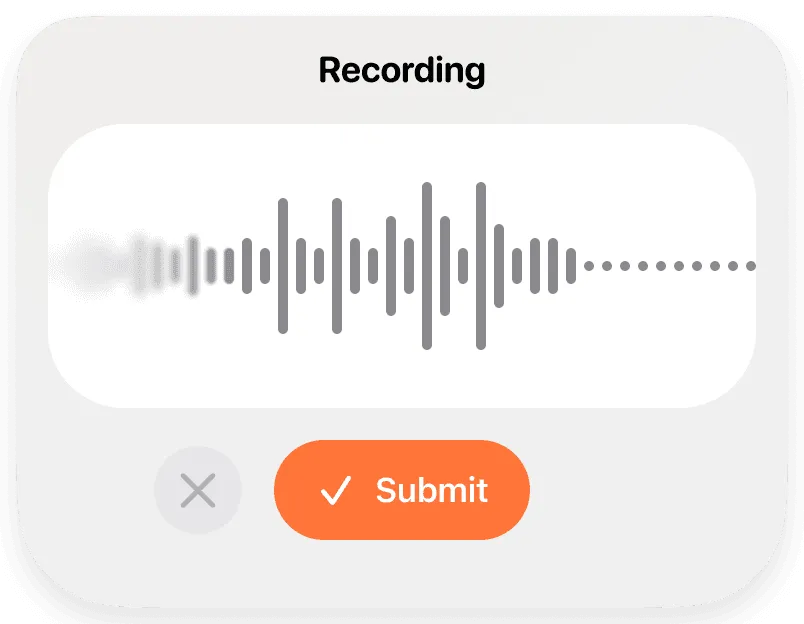
- Tap the Submit button to proceed.
- The App will process the recording and generate a structured recipe.