Import from Notes & Text
Published: 2026-07-18 · Last updated: 2026-07-18
You can create a recipe by pasting or entering text.
To import a recipe:
- Open the Cookan AI app.
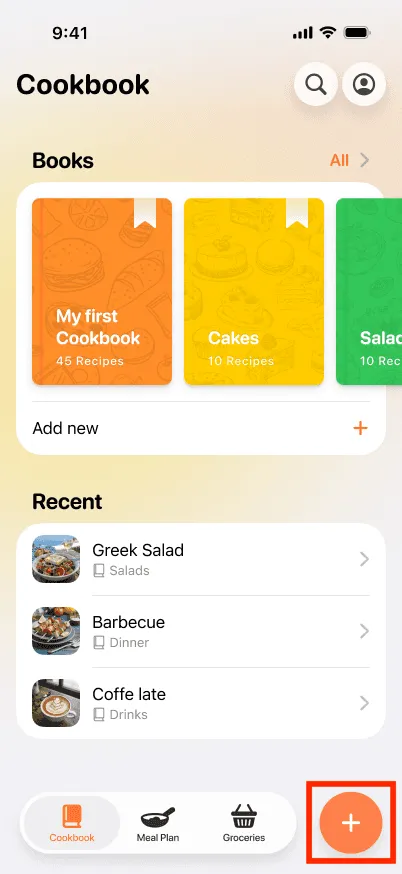
- Tap on the + button at the bottom right.
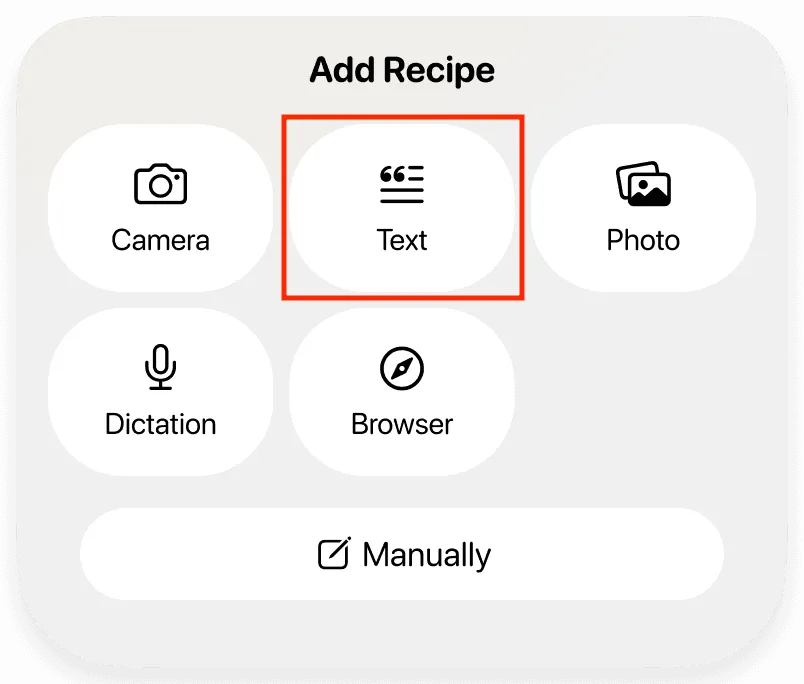
- Select the Text option.
- Paste or enter the recipe text into the input field. For best results, place each ingredient and instruction on a separate line.
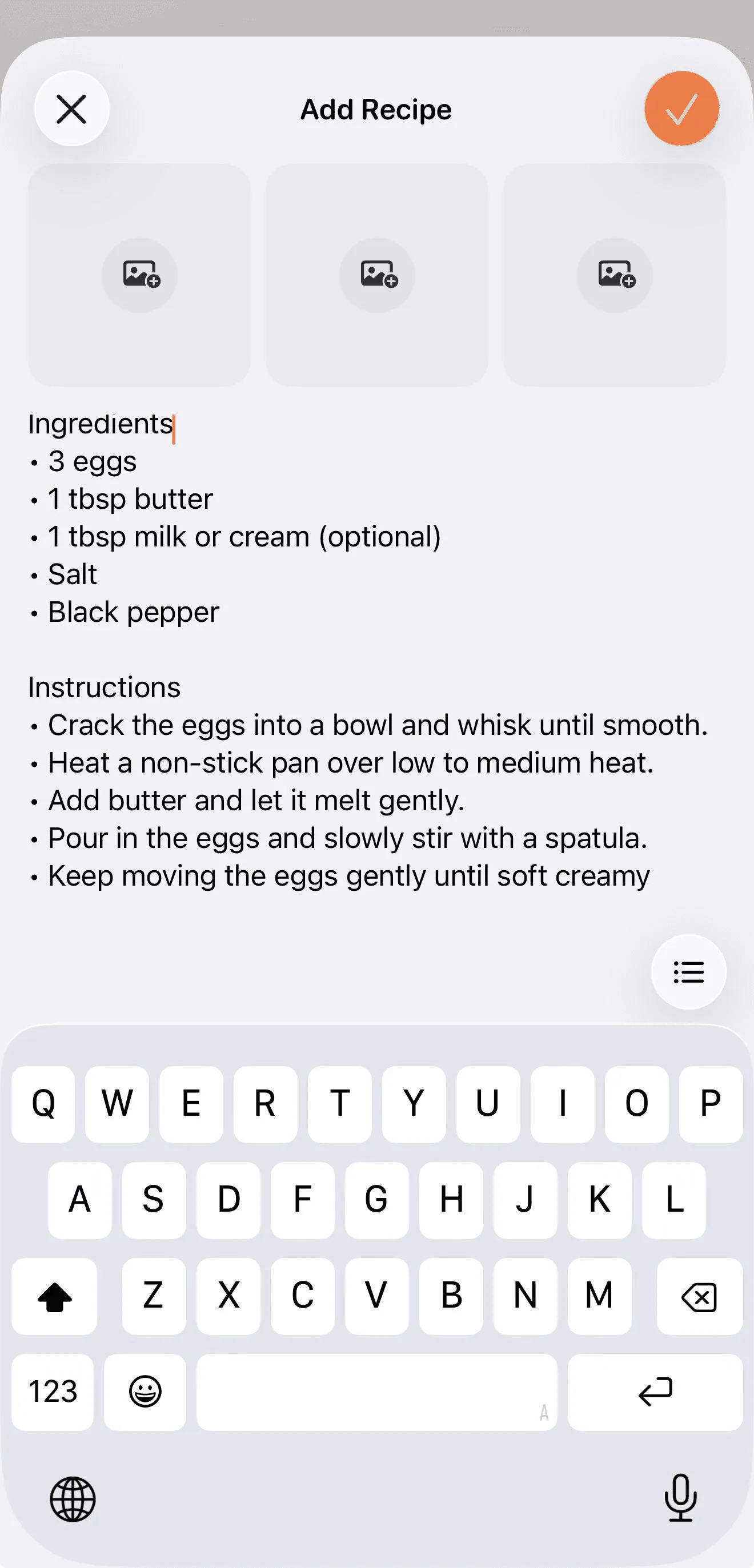
- Add up to three images above the text if you want to include additional information.
- Press the ✔️ button at the top of the page to proceed with the recipe.
- The App will process the text and generate a structured recipe.